What is a placeholder?
A placeholder is a marker in a text that WordPress replaces with a value when the page is built. The most common ones are:
| Placeholder | Replaced with | Example |
|---|---|---|
%s | a piece of text, such as a name | Hello, %s becomes "Hello, Maria" |
%d | a whole number | %d items in your cart becomes "3 items in your cart" |
%1$s, %2$s | numbered values, which may appear in any order | %1$s replied to %2$s |
%% | a single percent sign | Save 20%% becomes "Save 20%" |
The plugin hands the text and its values to PHP, and PHP fills each marker in turn.
Why a bad placeholder breaks a page
Say the original is %d items in your cart and the plugin passes one value, the number of items. If a translation adds a second marker, for example %d articles dans %s, PHP is asked to fill two markers with one value. In current versions of PHP that is an error, and the page, or the part of it the plugin builds, can fail to load.
A translation that misses a placeholder is less harmful: the value is simply not shown. But it is still a mistake, because the reader loses information such as a number or a name.
How Inpage Translate checks every translation
Every translation, whether you type it, generate it or import it, is compared with the original before it is saved:
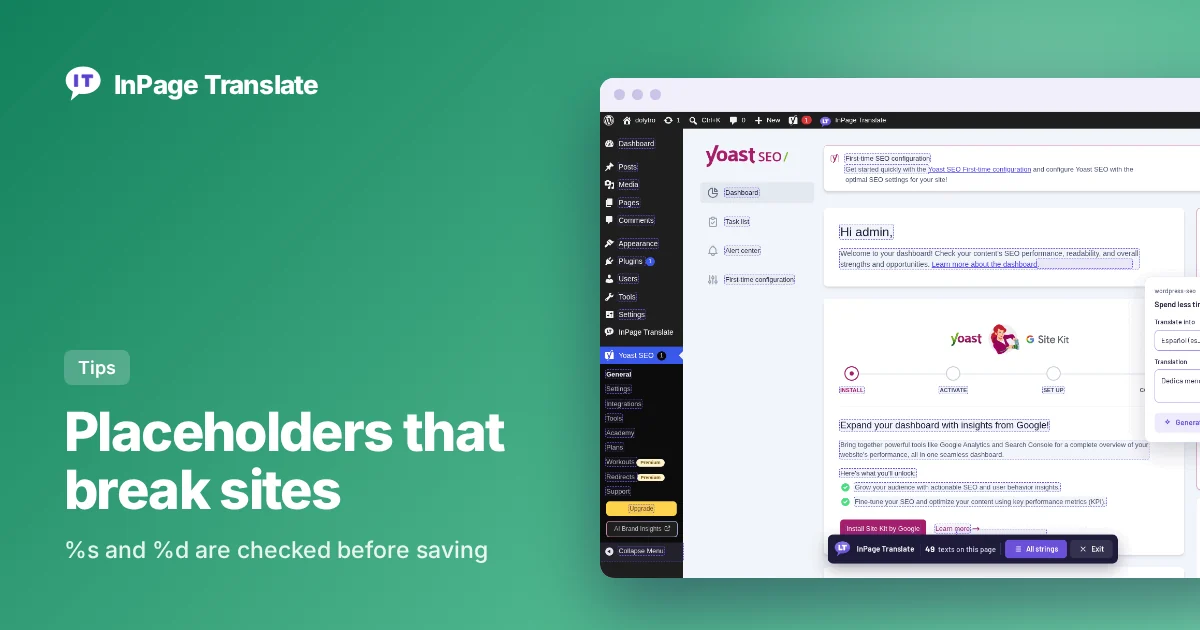
- More placeholders than the original: refused, with the reason. Nothing is saved, so nothing can break.
- A missing placeholder or a changed HTML tag: saved, with a warning sign next to it, so you can check it.
- Numbered placeholders in a different order: allowed, because
%1$sand%2$sexist exactly so translators can reorder them.
The same check runs on machine drafts and on files you import. Rows with a placeholder problem are refused with the row number and the reason. See Import and export.
Tips for translating texts with placeholders
- 1Copy the markers exactly.
Keep
%s,%dand%1$sas they are, including the dollar sign. - 2Move them, do not change them.
Word order differs between languages; put the marker where it reads naturally.
- 3Use numbered markers to reorder.
If the original has
%1$sand%2$s, you may swap them. - 4Check the warnings first.
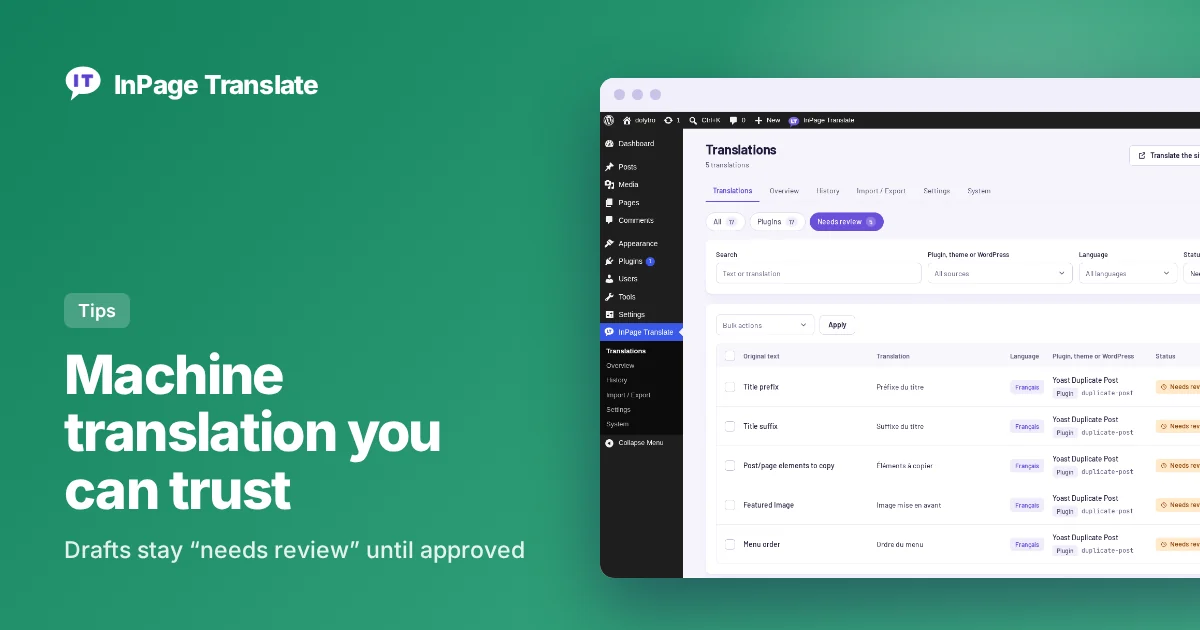
On the Translations screen, a warning sign marks a translation whose placeholders or tags differ from the original.
If a saved translation is never shown on your site, open System, then Test a translation. If it says visitors get the original text, the translation has a placeholder the original does not have.
Summary
Placeholders are small, but a wrong one can break a page. Inpage Translate refuses a translation that adds one and warns you about one that is missing, so you can translate quickly without testing every screen by hand. Read more in Your first translation.