The usual model: one site per language
Multilingual plugins such as WPML and TranslatePress are built around a simple idea. Your site exists once per language. There is an English version, a French version and a Spanish version, each with its own address, and a visitor picks one.
That model is right for content: posts, pages, menus and product descriptions. A French visitor wants the whole article in French.
It fits less well for the words that plugins and themes show. Those are labels, buttons, notices and settings. Often you only want to change a handful of them, and often the people who read them are not visitors at all, but you, your client or your shop staff in wp-admin.
The Inpage Translate model: one language per text
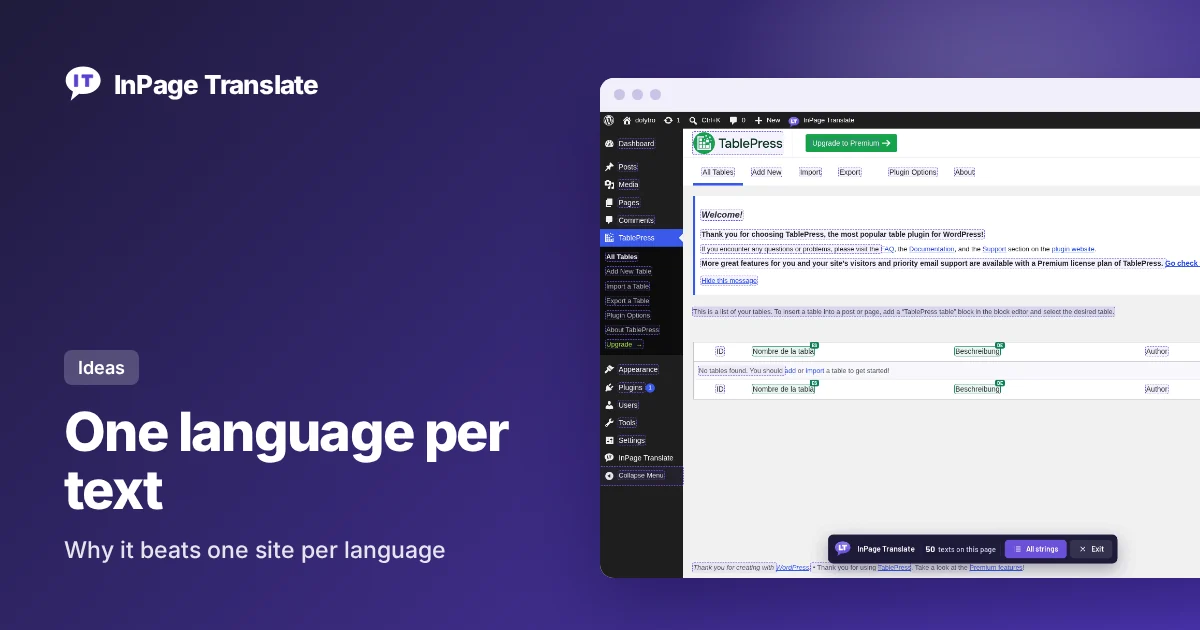
In Inpage Translate you choose a language each time you translate a text. A text is shown in the language it was last saved in. Nothing else on the page changes.
On one plugin screen you could translate a heading into Spanish, a button into French and a notice into German. The screen then shows three languages side by side.
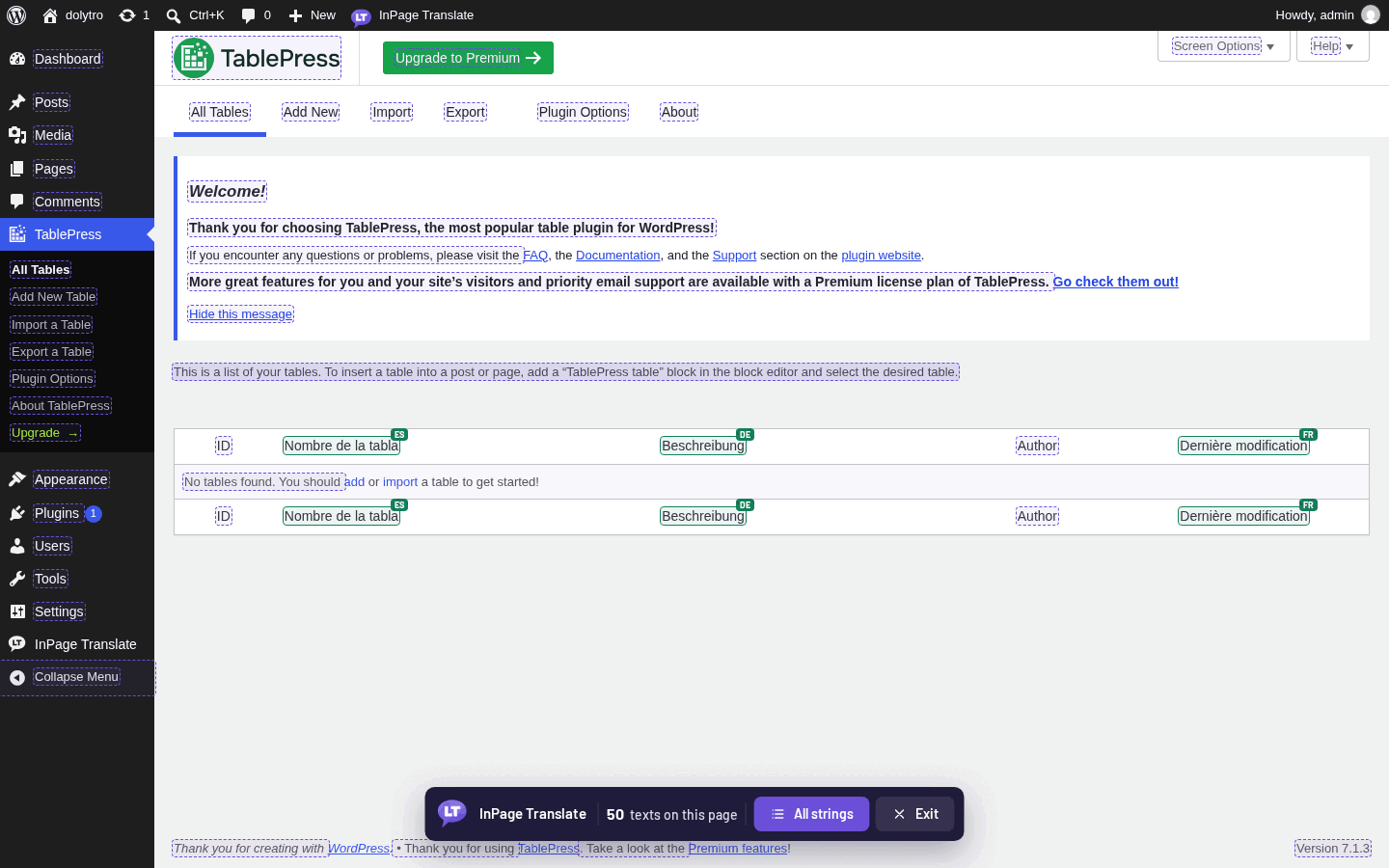
When a mixed page is what you want
- A client who reads one language better than another. Translate the screens they use every day, and leave the rest in English.
- Shop staff in another country. Translate the WooCommerce Orders screen for the people who pack the parcels, without touching the storefront.
- A plugin with a few wrong or awkward words. Change "Add to cart" to "Add to basket" and leave everything else alone. A translation into the same language is just a better wording.
- A front end where only a few labels need to change. A form plugin's button, a theme's "Read more" link.
When you still want one language for the whole site
Visitors can still see a single language. Choose the languages to offer in Settings and place the language switcher shortcode on your site. A visitor who picks French then sees every text that has a French translation in French; texts without one stay as they were. See Switch languages for visitors.
For your own posts, pages and menus, use a multilingual plugin such as WPML or TranslatePress next to Inpage Translate. The two do different jobs and run side by side.
Both translations are kept
Saving a second language does not overwrite the first. Translate a text into French, then into Spanish, and both are stored. The page shows the one saved last; save the French one again and it is shown instead. Every change is also in History, so you can restore any earlier version. See History and restore.
Summary
One site per language is the right model for content. One language per text is the right model for the words plugins and themes show: you change exactly the texts you need, in the language each reader needs, and nothing more. Read the details in One language per text.