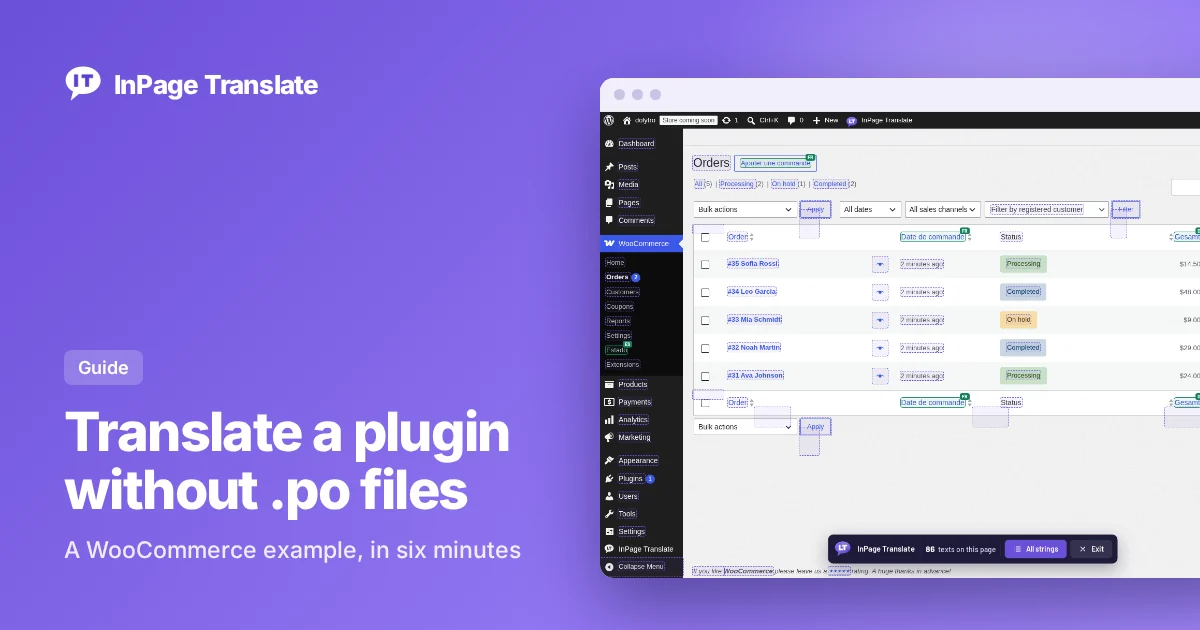
Translate on the page
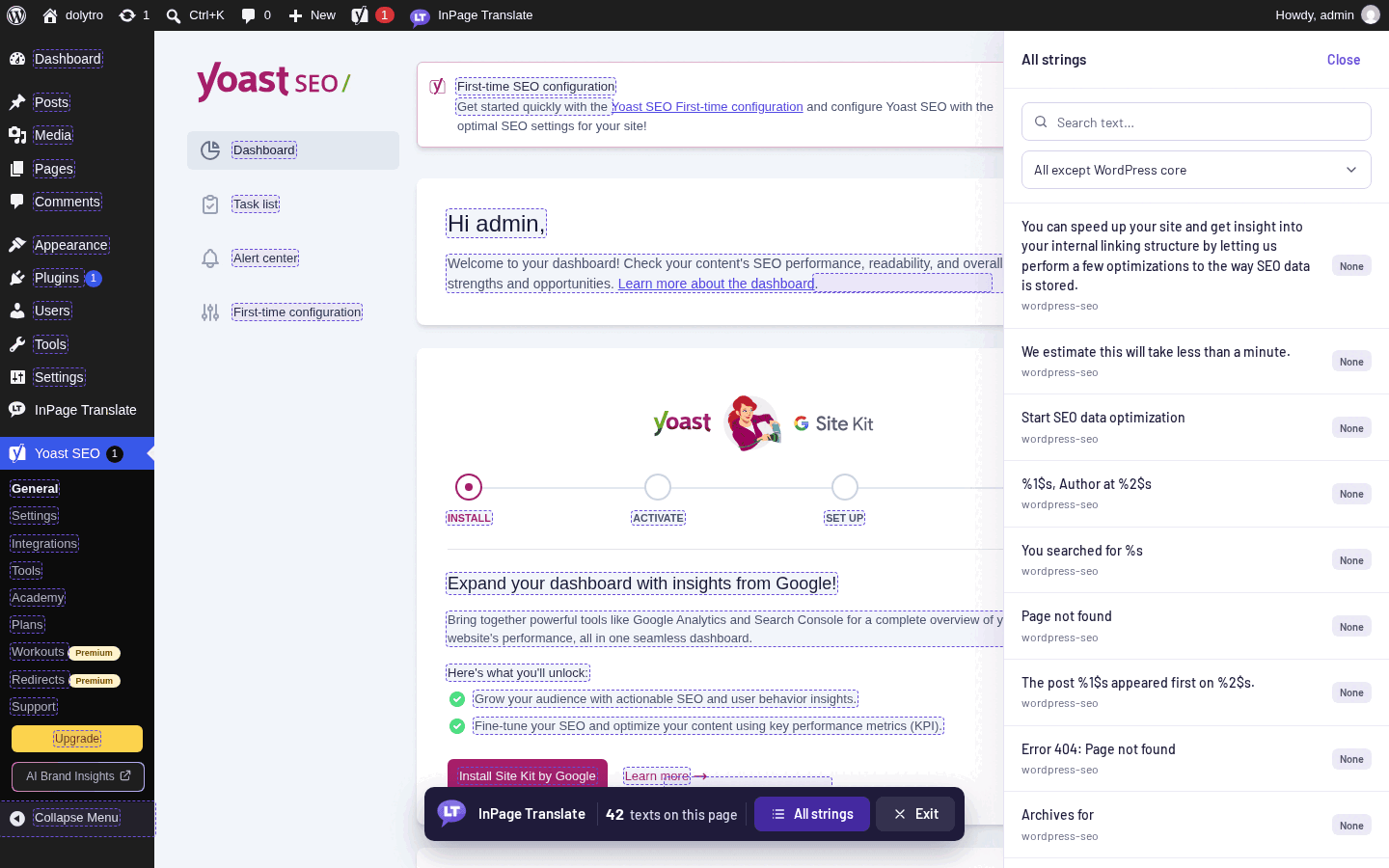
The heart of the plugin is translate mode. Click Inpage Translate in the toolbar and every text that can be translated on the page gets an outline. Click a text, choose a language, type the translation and save. It works in wp-admin and on your site, for WordPress itself, plugins and themes.
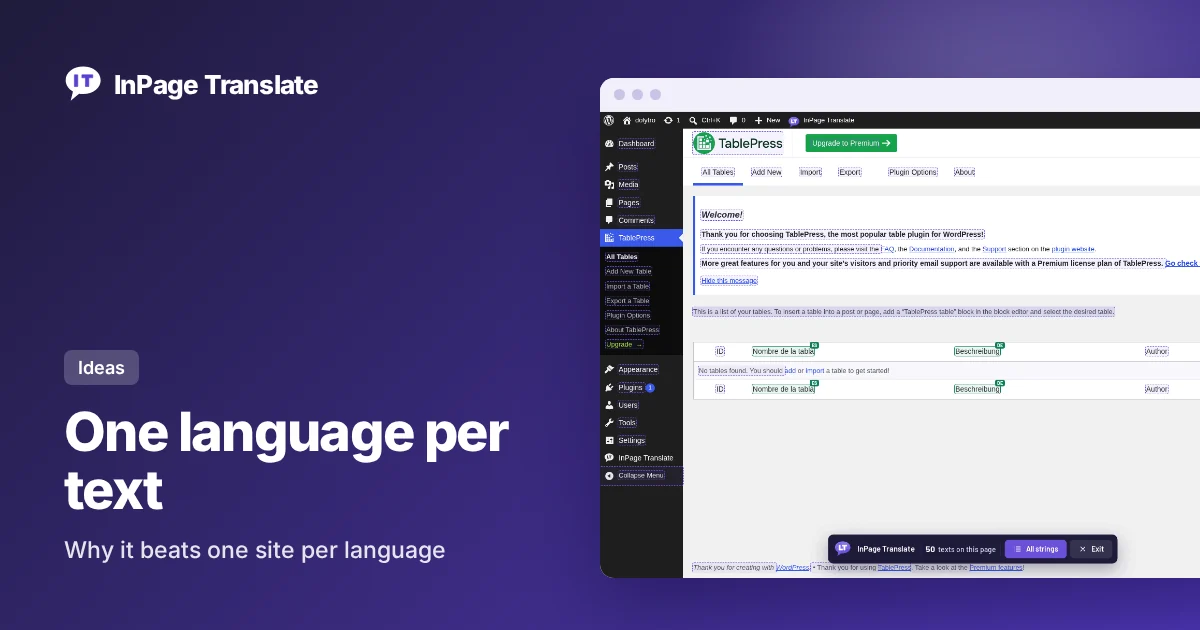
Each text keeps its own language, so one page can mix languages. See One language per text.
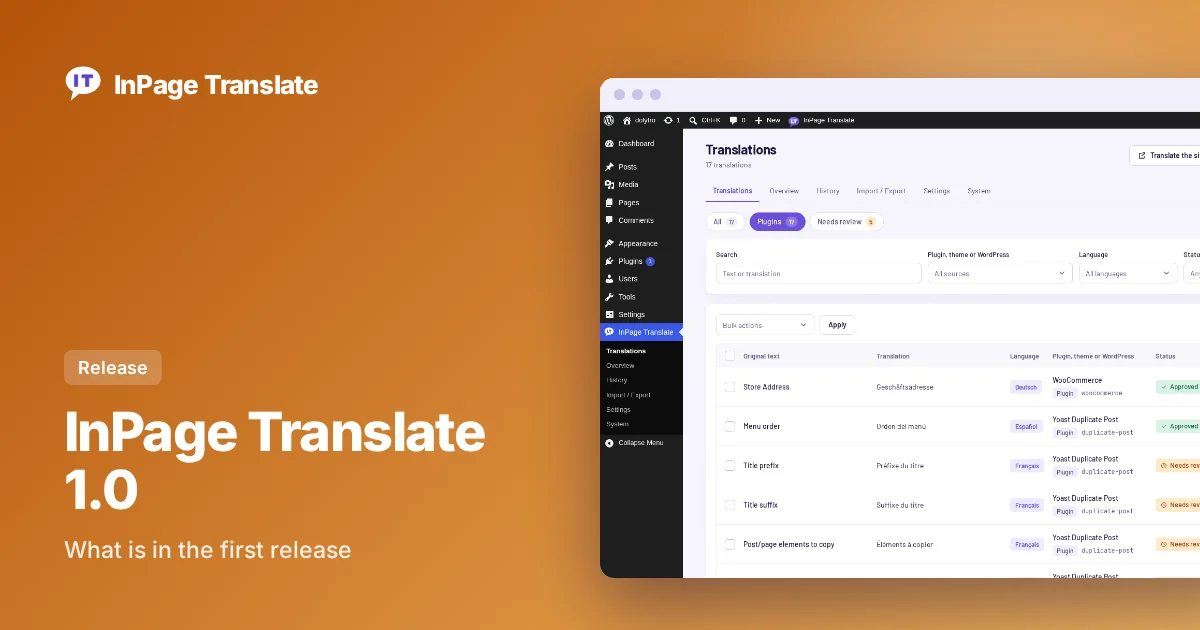
The admin screens
- Translations: every saved translation, grouped as WordPress, plugins and themes, with the name of the plugin or theme beside each text. Add and edit translations in a dialog without leaving the list.
- Overview: a source-code scanner and progress per language, with "Translate missing" to draft what is left.
- History: every change, with restore.
- Import / Export: CSV, JSON, PO and MO.
- Settings: machine translation services, roles and the visitor language switcher.
- System: checks, and a Test a translation tool that tells you exactly why a text is or is not translated.
Machine translation with a review step
Press Generate in the editor and the plugin asks the services you have set up: Google Cloud Translation, DeepL and Microsoft Translator with your own key, or the free MyMemory and Google Translate web endpoint. Nothing is sent to any service until you agree to it once.
Every draft is marked Needs review until a person approves it. Only administrators and the roles you choose can approve. See Review machine drafts.
Safe by default
- Placeholders such as
%sand%dare checked before a translation is saved. See our post on placeholders. - Translations live in your database, so plugin and theme updates never overwrite them.
- Every change can be undone from History.
What it does not do
Inpage Translate translates the words that WordPress, plugins and themes show. It does not translate your posts, pages, menus or product descriptions, by design. For those, use WPML or TranslatePress next to it.
Get started
Install the plugin, open any screen and turn on translate mode. The Quick start takes five minutes, and the changelog lists every change from here on.